Jam Player 11:07
Song & Chords
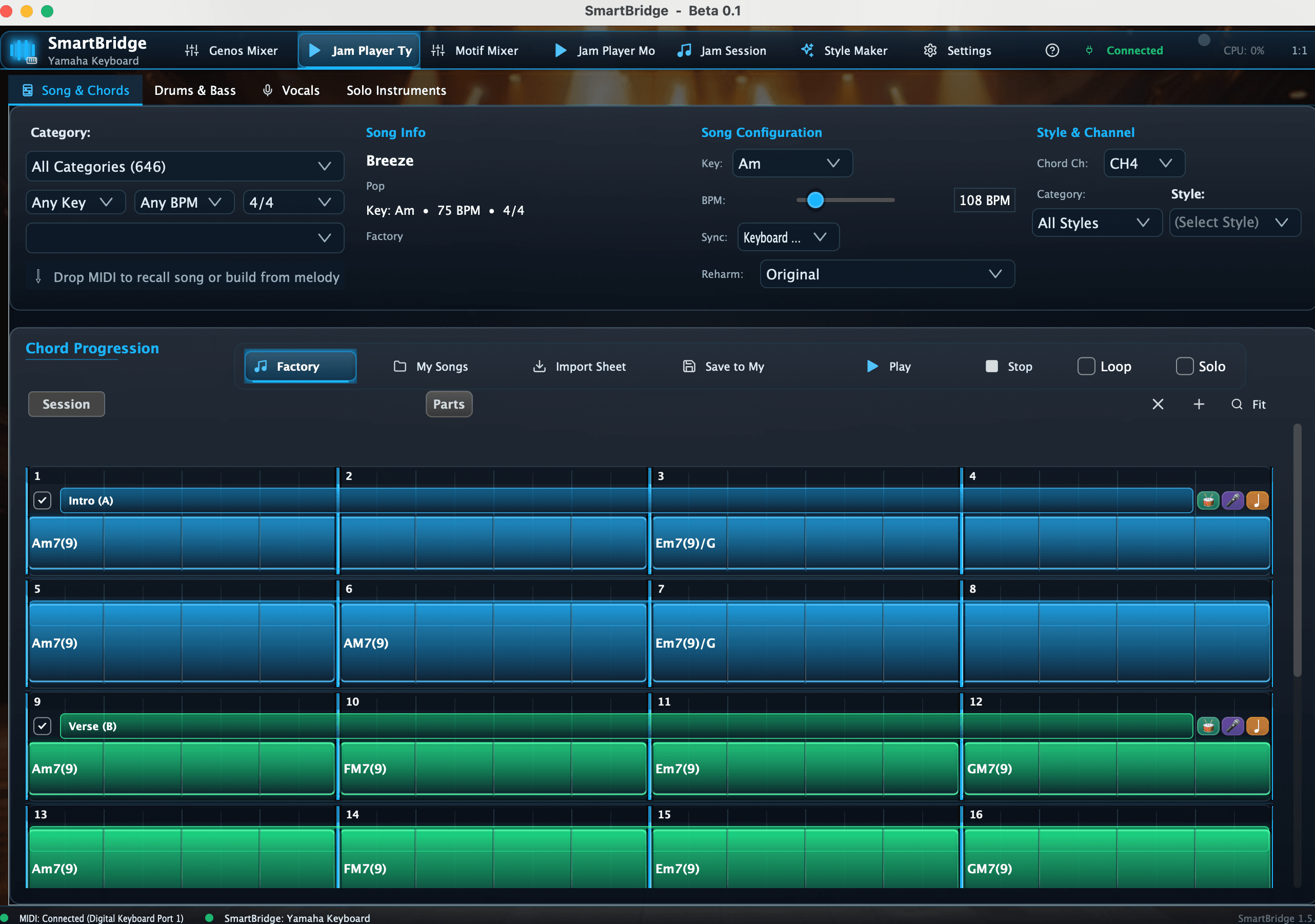
Define the song once so every connected SmartBridge tool works from the same sections, chords, key and tempo.
Watch & shape Song & Chords I want your input
Features needing your input
This page is not a product catalogue. Each feature is here because I want direction on it. Watch the current implementation and tell me what should stay, what should be simpler, what is missing, and whether this is a problem worth solving at all. Your input is meant to influence development priorities. No sign-in is required.
Help set the directionCreate
Define the song once so every connected SmartBridge tool works from the same sections, chords, key and tempo.
Develop a progression with contextual suggestions and reharmonization without losing the original song structure.
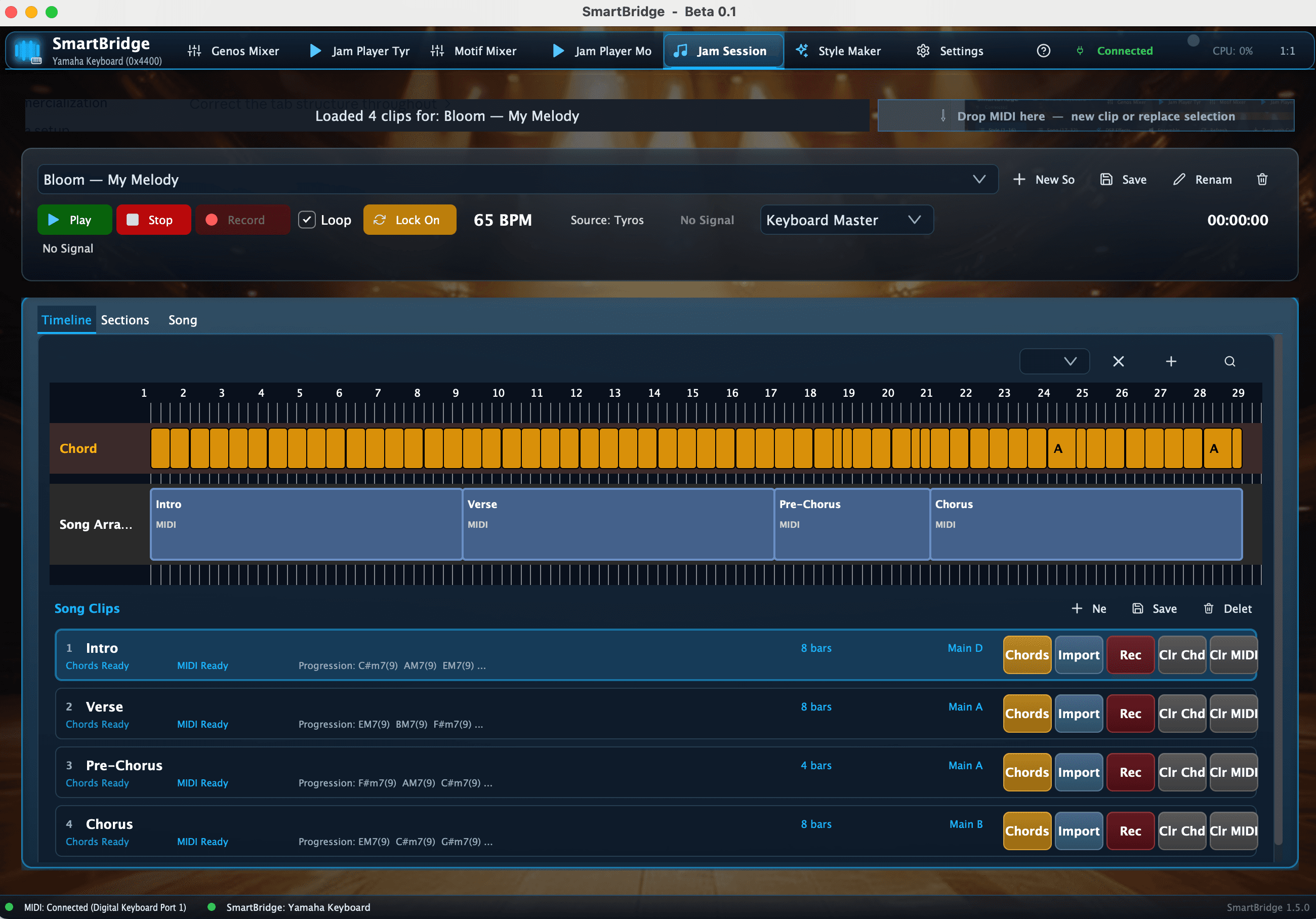
Turn ideas played on the keyboard into reusable chord and MIDI sections instead of losing them after the session.
Arrange

Replace generic loops with played performances that are auditioned and adapted in the context of the current section.
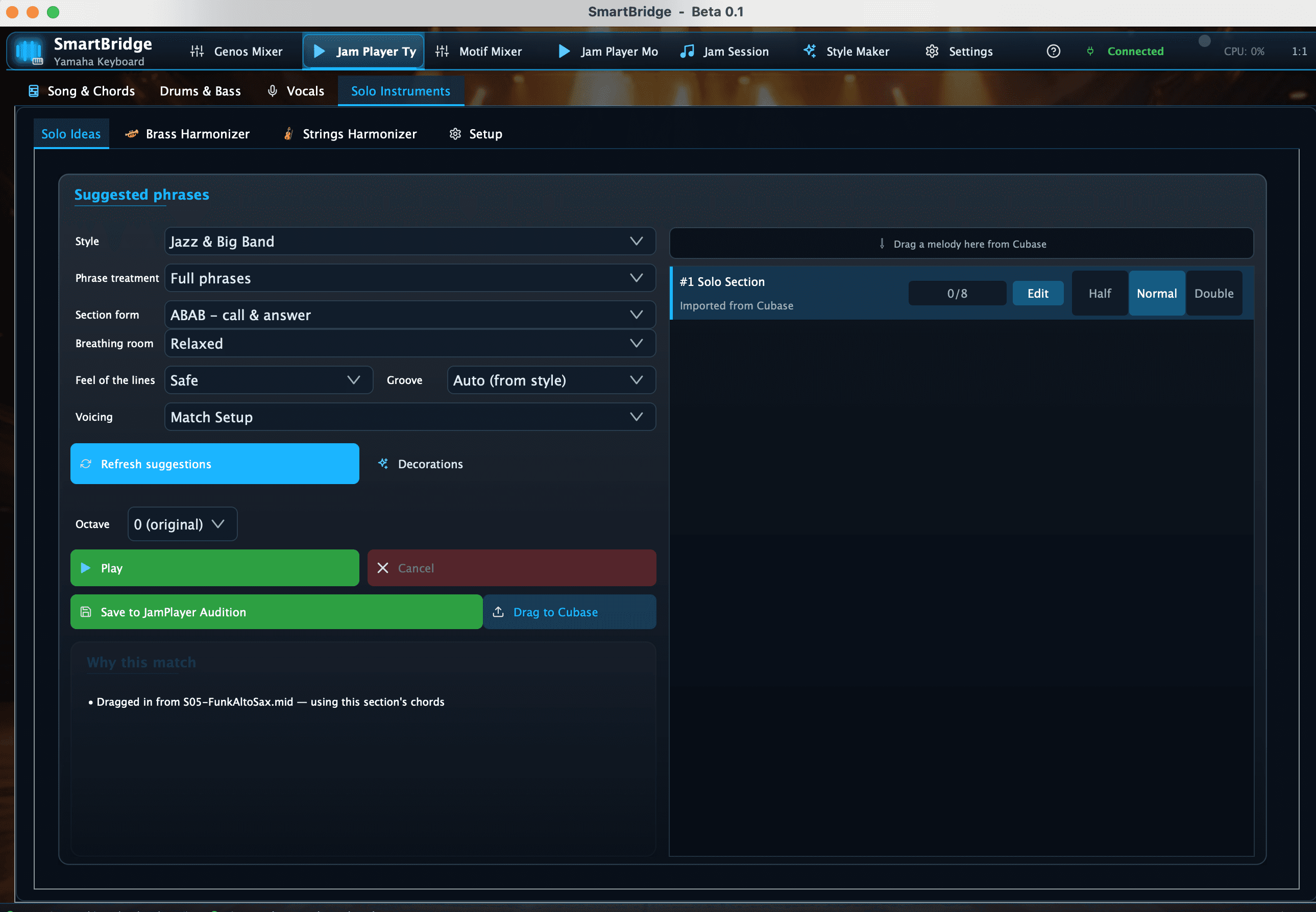
Build a solo as a musical statement with phrase form, range, energy, breathing room and in-context auditioning.
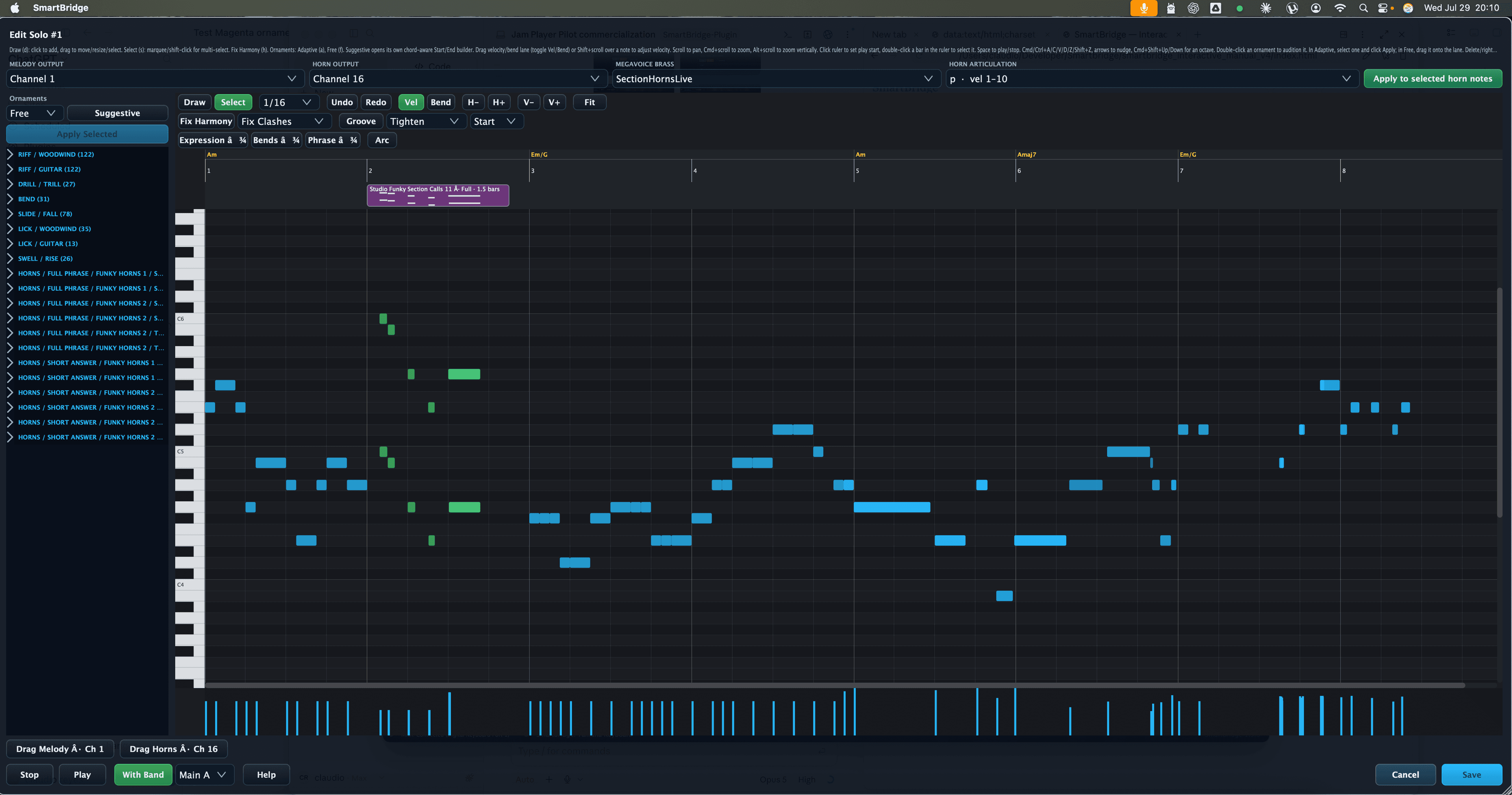
Take a promising phrase and develop the performance with chord-aware editing, riffs, ornaments, bends and articulation.
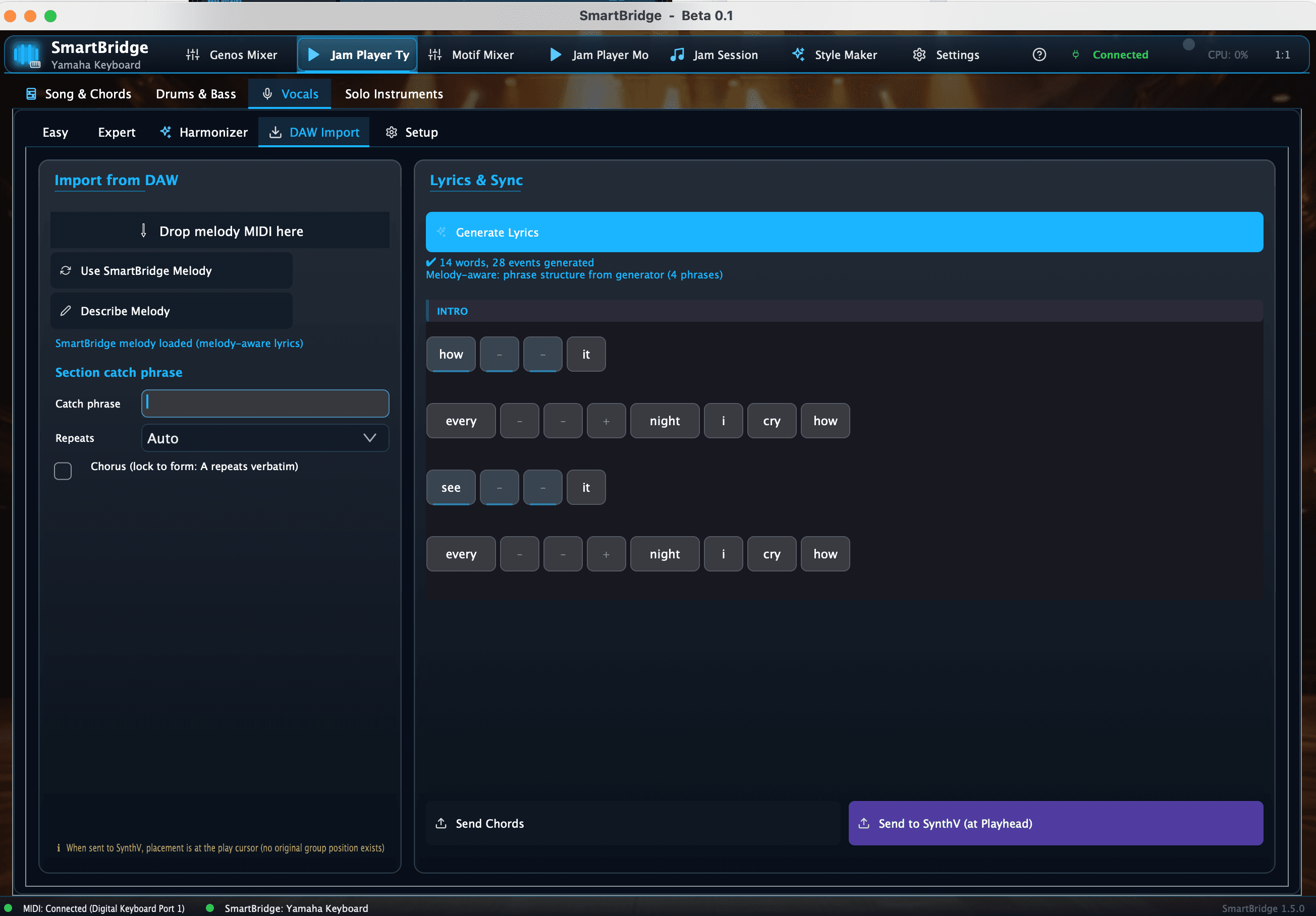
Take a song section from vocal melody idea to note-fitted lyrics and a production-ready Synthesizer V handoff.
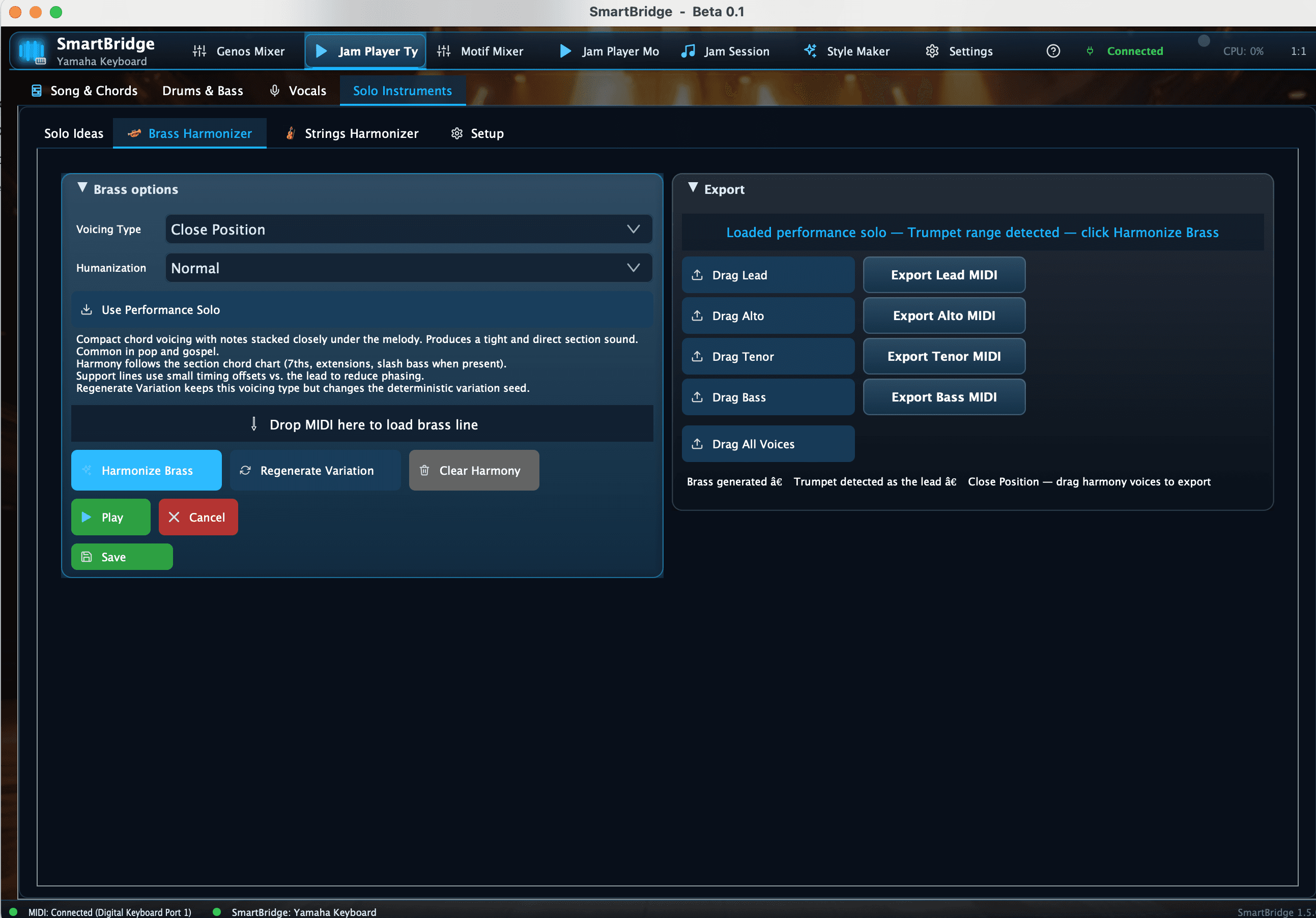
Turn one lead line into supporting vocal stacks, horn writing or string parts that follow the same song harmony.
Connect

Keep Yamaha voices, channels, effects and Cubase tracks aligned instead of rebuilding the keyboard setup inside the DAW.
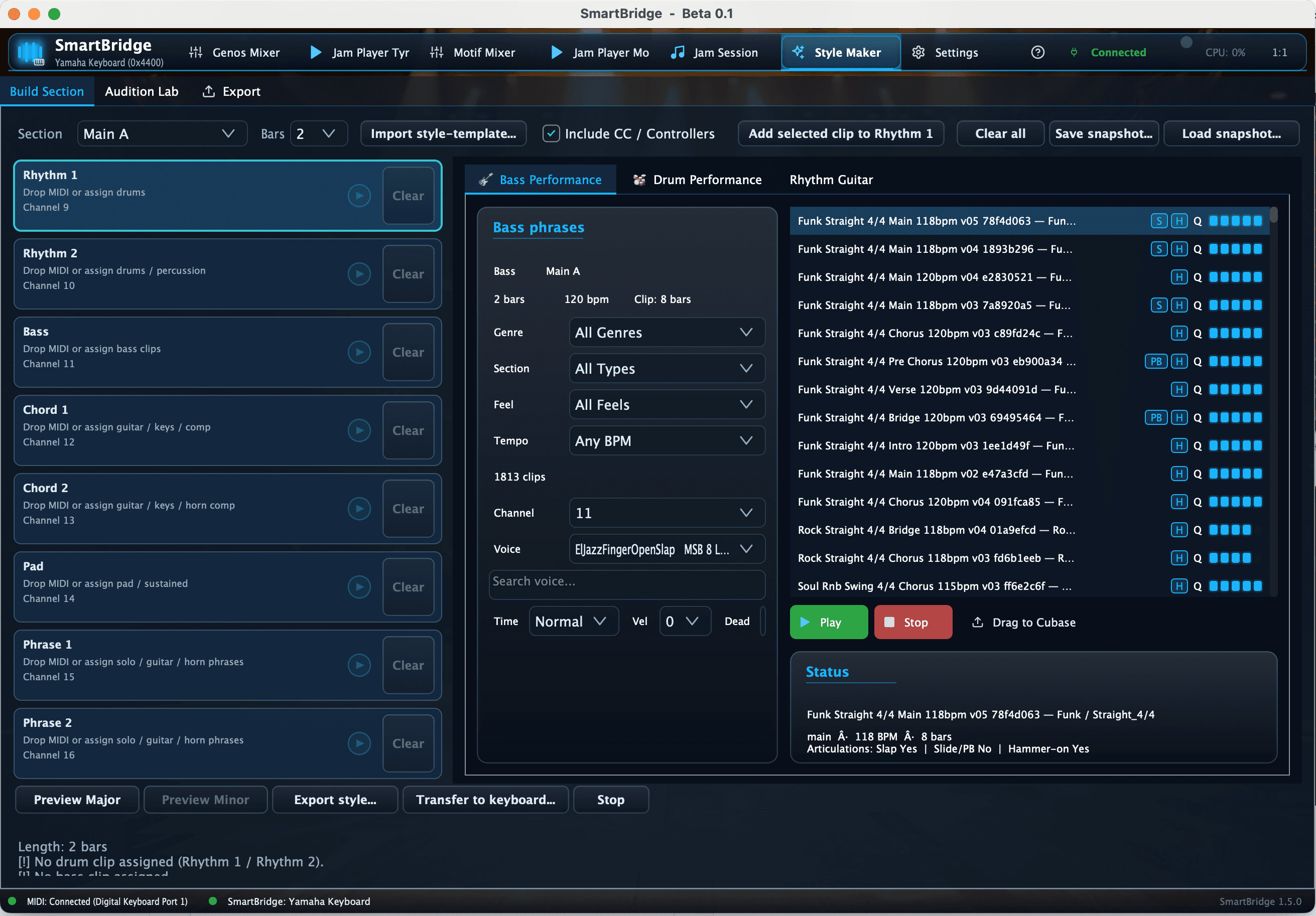
Use Motif arpeggiators as editable idea material and build native Yamaha accompaniment styles from a desktop or browser workflow.