Keep the Yamaha at the centre of the production.
SmartBridge understands the real voices, channels, effects, styles, and Motif arpeggios rather than asking you to replace the hardware with a generic software instrument.
SmartBridge Desktop · macOS + Windows
SmartBridge Desktop carries one chord-aware song through Yamaha hardware, performed MIDI, Cubase, Synthesizer V, expressive solo development, lyrics, and orchestration. It removes the repeated setup between the musical idea and the final editable tracks.
The customer outcome
SmartBridge is designed around the breaks that appear when an arranger-keyboard idea has to become a structured, editable production on the computer.
SmartBridge understands the real voices, channels, effects, styles, and Motif arpeggios rather than asking you to replace the hardware with a generic software instrument.
Curated MIDI is auditioned against the song and adapted before export, so bass, guitar, drums, vocals, and solos arrive in Cubase as editable material that already belongs to the section.
The same chord progression and form drives melody-fitted lyrics, Synthesizer V transfer, backing vocals, and four-part instrumental writing without reconstructing the song in every tool.
Three connected systems
The capabilities are grouped around three jobs that carry the song forward: preserve the real Yamaha setup, create musical and expressive sections, and complete the vocal or instrumental arrangement.

Select a keyboard voice and SmartBridge can rename the correct Cubase track automatically across all 32 Style and Song channels. The same environment also handles mixer state, DSP effects, ensemble presets, Motif parts, arpeggios, and native Yamaha style production.
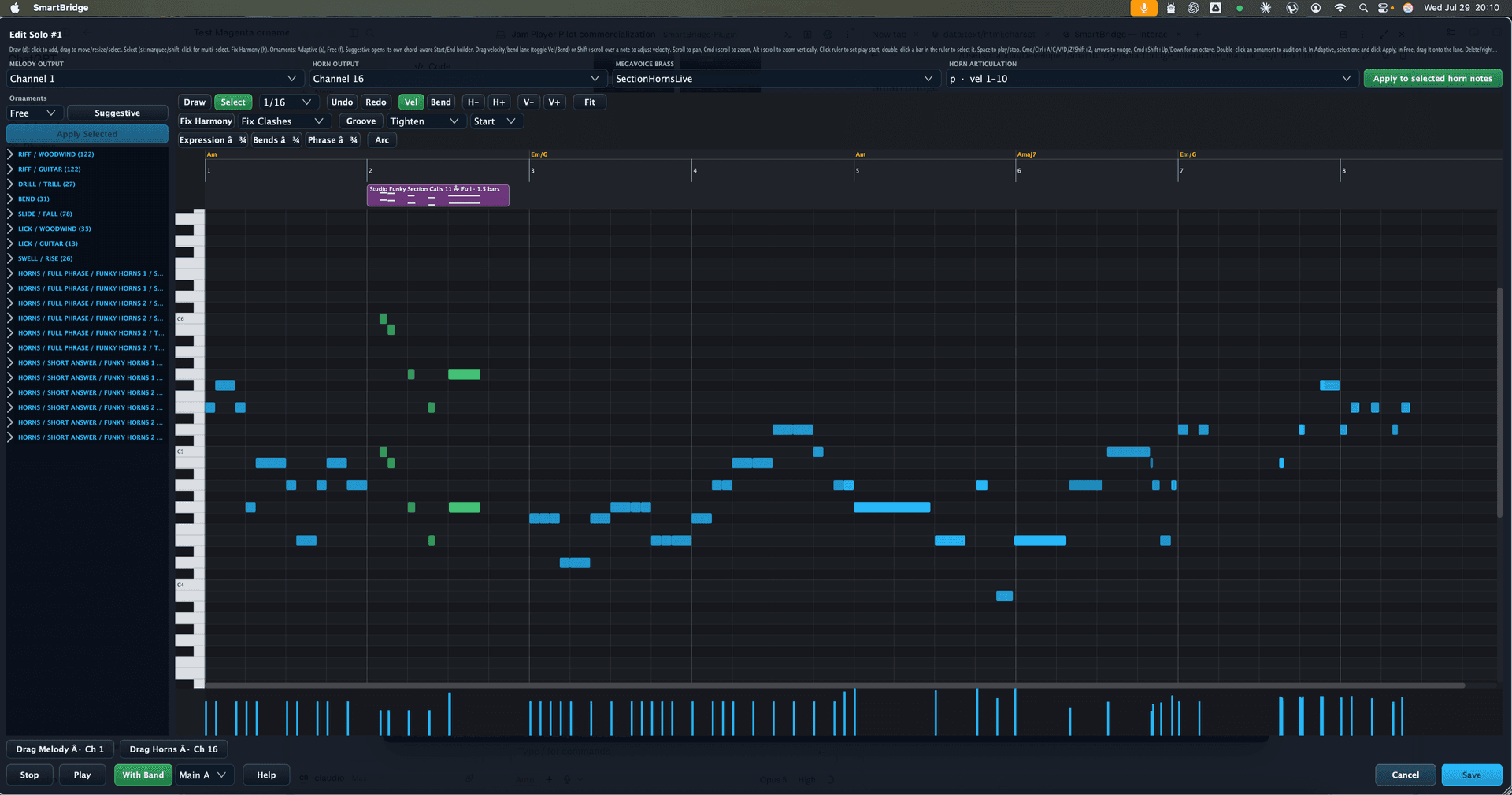
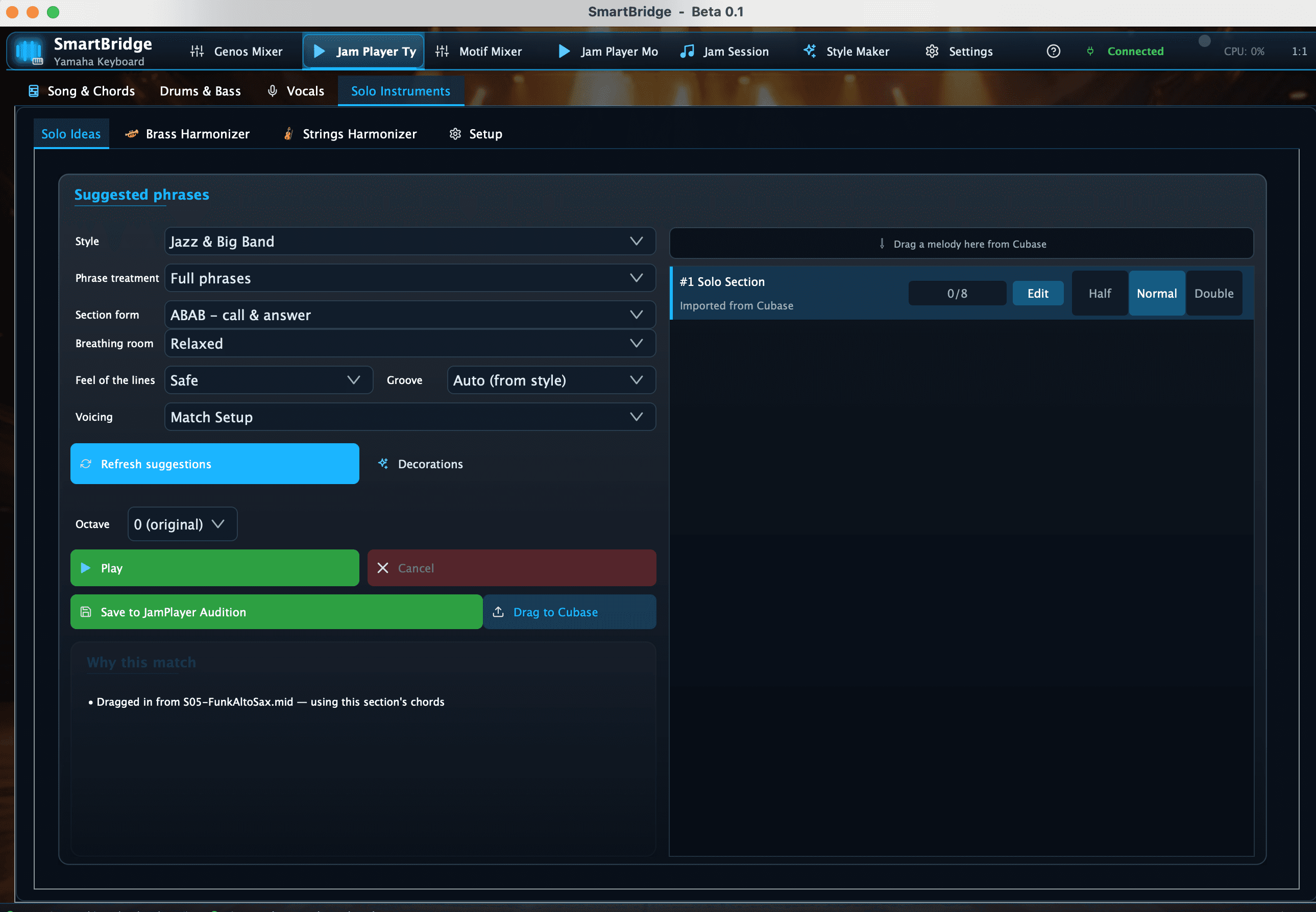
A large curated library is organised by musical purpose and adapted to the current section. Riff Extender develops short guitar ideas, while Solo Ornaments adds instrument-specific bends, trills, slides, falls, licks, swells, and approach gestures.
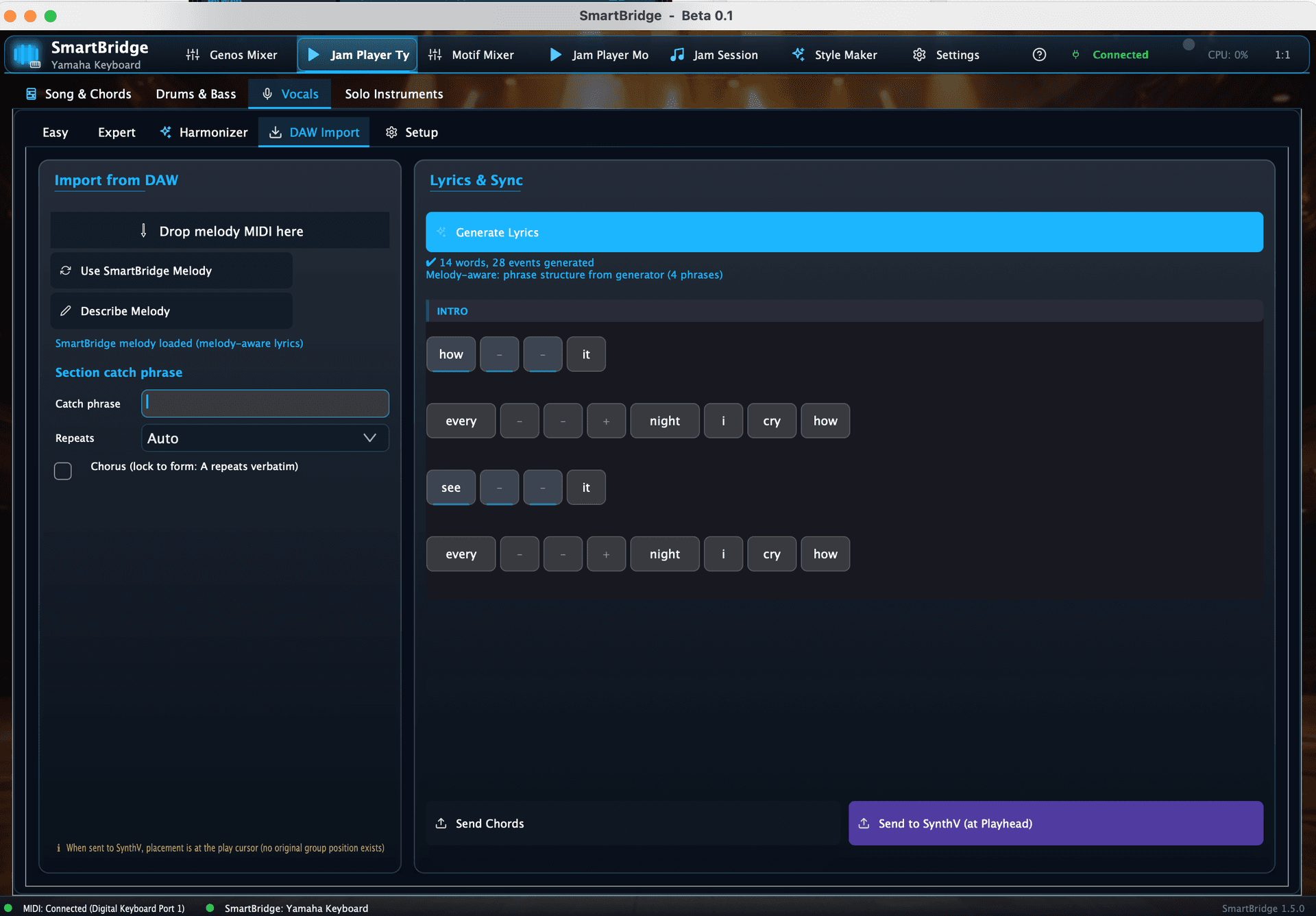
SmartBridge analyses the existing melody, fits singable words to its notes, handles syllables and melisma, and sends the result to Synthesizer V. The same song context creates humanised vocal stacks and range-aware brass or string parts.
One continuous production flow
The chord progression, sections, key, tempo, and musical intent remain available from the first keyboard idea through the final editable tracks.
Load a progression, import ChordPro, or record your own sections in Jam Session.
Read and control Yamaha voices, effects, styles, channels, Motif parts, and arpeggios.
Audition chord-aware bass, drums, guitar, vocal, and solo material with the band.
Extend riffs, add ornaments, fit lyrics, and create vocal, brass, or string parts.
Send correctly named tracks and editable MIDI to Cubase or completed vocals to Synthesizer V.
Designed to complement the studio
The Yamaha remains the performance instrument, Cubase remains the production centre, and Synthesizer V remains the vocal instrument. SmartBridge carries the musical intelligence between them.
It makes the Yamaha easier to control, arrange around, document, and carry into production while preserving the sounds and performance behaviour you bought it for.
It prepares the song-aware, Yamaha-aware musical material that Cubase is best placed to edit, record, mix, and finish.
It creates the note-fitted lyrics and chord-aware vocal arrangement, then hands the completed parts to Synthesizer V for vocal rendering and detailed expression.
Product reference
Open the interactive manual for exact information about keyboard control, songs, rhythm parts, vocals, solos, harmony, Motif, Cubase handoff, Jam Session, and Yamaha style creation.
SmartBridge Desktop