Control your keyboard
Genos Mixer
Watch the feature in action
What it is
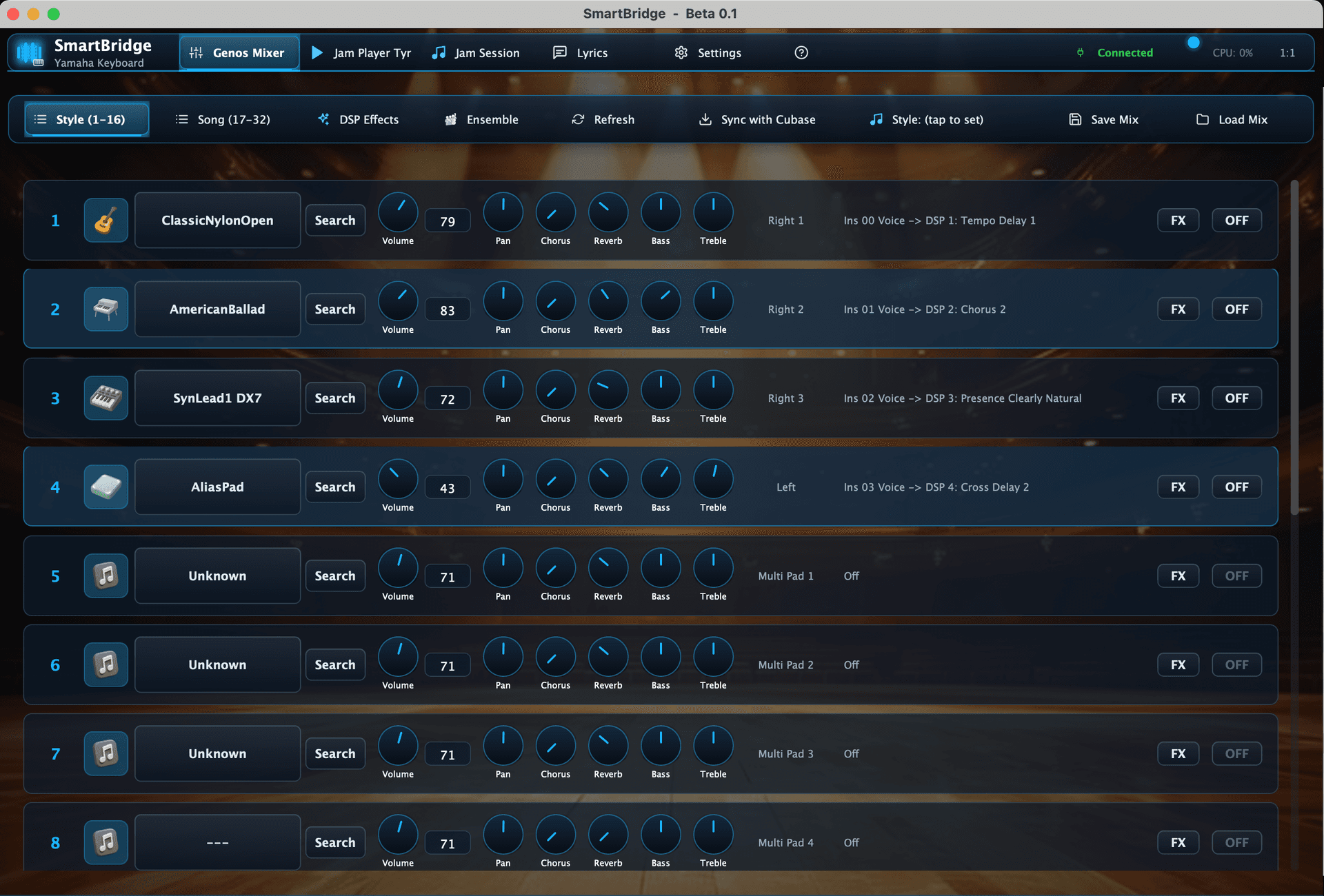
A full mixing desk on your computer for Style and Song parts — volume, pan, chorus, reverb, bass, treble, voice search, and FX routing for every channel from one screen.
Why it matters for you
You can balance a gig or a production session faster than scrolling one channel at a time on the keyboard, then save or reload the whole mix when you switch songs.
What you can do with it
- See multiple keyboard channels at once instead of menu-diving on hardware.
- Adjust mix, EQ-style tone controls, and FX state while the song chart stays visible.
- Fits both Genos-style live setups and Cubase-oriented production sessions.
What Claudio shows in the demos
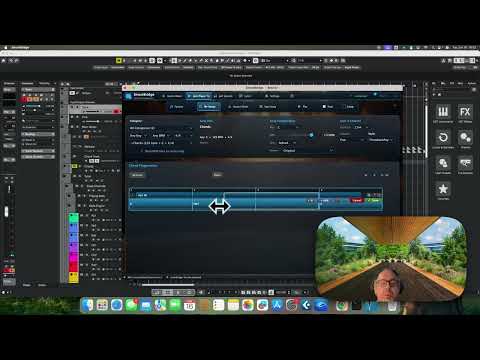
Introduction to SmartBridge
A top-level introduction to the product and the keyboard-to-production workflow it is trying to solve.
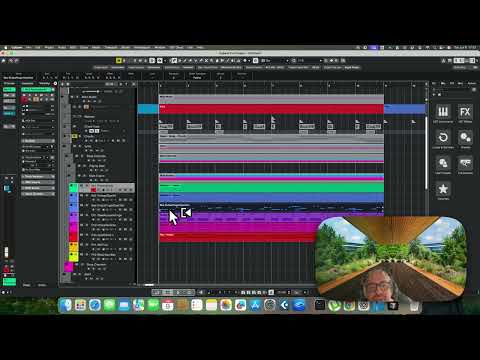
SmartBridge Cubase integrations
Shows the computer-first production workflow, including multi-channel keyboard control and Cubase-oriented setup.
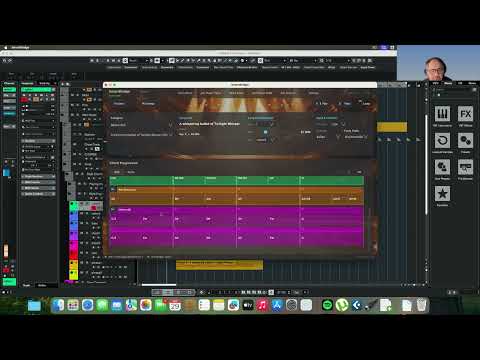
SmartBridge 1.0 — first version packed with new features
A broad 1.0-era tour covering the refreshed interface and the growing production workflow around the app.
Related YouTube videos